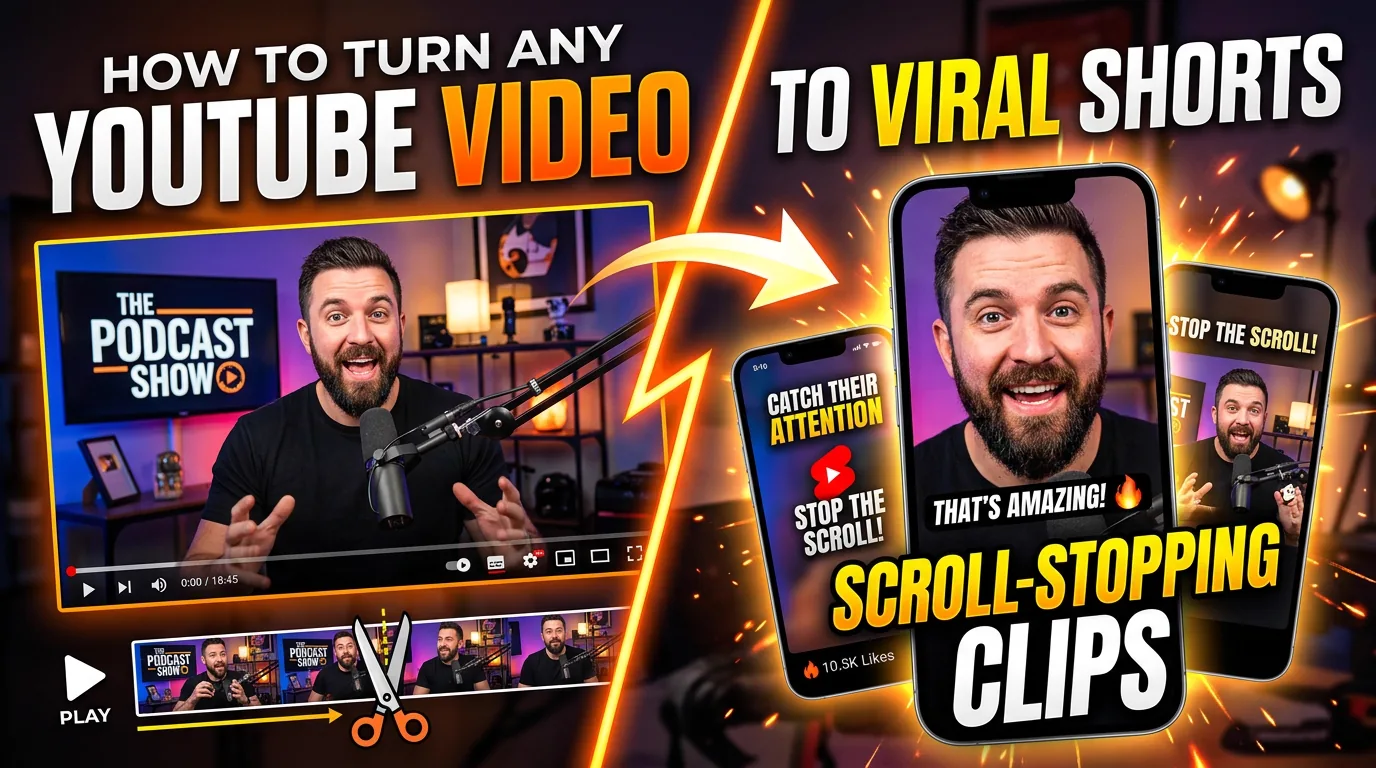
How to Turn Any YouTube Video Into Scroll-Stopping Teaser Clips
In today's fast-paced social media landscape, you have approximately 3 seconds to capture someone's attention before they scroll past your content. The secret weapon? Perfectly crafted teaser clips that hook viewers instantly and drive them to your full-length content.
Why Teaser Clips Are Content Gold
Teaser clips are the bridge between your long-form YouTube content and social media success. They serve as:
- •Attention magnets that stop the scroll
- •Traffic drivers to your main content
- •Engagement boosters across platforms
- •Brand awareness builders in bite-sized formats
The CutFlux Method: From YouTube to Viral Clips
Step 1: Identify the Hook Moments
The best teaser clips come from these golden moments in your videos:
🎯 Opening Hooks
- •The first 10-15 seconds where you pose a compelling question
- •Bold statements or controversial takes
- •"Before and after" reveals
⚡ Peak Moments
- •The most valuable insight or tip
- •Surprising revelations or plot twists
- •Emotional peaks (excitement, shock, humor)
🔥 Cliffhangers
- •"But here's what nobody tells you..."
- •"The real secret is..."
- •"Wait until you see what happens next..."
Step 2: Extract with Precision
Using CutFlux, you can:
- •Download your YouTube video in high quality
- •Generate accurate transcripts to identify the exact timestamps
- •Extract precise clips without quality loss
- •Export in multiple formats (16:9, 9:16, 1:1)
Step 3: The 3-Second Rule
Your teaser clip must deliver value within the first 3 seconds:
✅ Do This:
- •Start with action or a bold statement
- •Use dynamic visuals or movement
- •Add compelling captions from the first frame
❌ Avoid This:
- •Slow intros or setup time
- •Generic opening phrases
- •Waiting for the "good part"
Platform-Specific Optimization
Instagram Reels & TikTok (9:16)
- •Length: 15-30 seconds
- •Hook: First 1-2 seconds
- •Text: Large, readable captions
- •CTA: "Full video in bio"
Twitter/X (16:9 or 1:1)
- •Length: 10-45 seconds
- •Hook: Immediate value
- •Text: Minimal, impactful
- •CTA: "Thread below" or link to full video
LinkedIn (16:9)
- •Length: 30-60 seconds
- •Hook: Professional insight
- •Text: Professional captions
- •CTA: "Read more in comments"
Advanced Teaser Techniques
The Curiosity Gap
Create an information gap that can only be filled by watching the full video:
"This simple change increased our conversions by 347%... [clip ends]"
The Social Proof Teaser
Lead with results or testimonials:
"Our client went from 1K to 100K followers using this method..."
The Mistake Reveal
Everyone loves learning from mistakes:
"I wasted $10K before learning this one thing..."
Technical Best Practices
Quality Standards
- •Resolution: Minimum 1080p
- •Audio: Clear, balanced levels
- •Captions: 85% of videos are watched without sound
- •Branding: Consistent visual elements
Timing Is Everything
- •Prime posting times vary by platform
- •Test different lengths (15s vs 30s vs 60s)
- •A/B test different hooks from the same video
Measuring Success
Track these key metrics:
Engagement Metrics
- •View-through rate (how many watch to completion)
- •Save/share rate
- •Comment quality and quantity
Traffic Metrics
- •Click-through rate to full video
- •Subscriber growth from teaser traffic
- •Cross-platform engagement
Common Mistakes to Avoid
1. Making It Too Long
Teasers should create hunger, not satisfy it. If your teaser is over 60 seconds, it's probably not a teaser anymore.
2. Burying the Lead
Don't save the best for last. Lead with your strongest moment.
3. Poor Audio Quality
Bad audio kills engagement faster than poor video quality. Always ensure clear, crisp sound.
4. Inconsistent Branding
Your teasers should feel connected to your main content through consistent visual branding.
Case Study: 347% Increase in Engagement
One of our users, a marketing consultant, applied this method to their YouTube content:
Before: Average 2K views per video, 50 comments After: Average 15K views per video, 200+ comments
What they did:
- •Extracted 3 teasers from each long-form video
- •Posted across Instagram, TikTok, and Twitter
- •Used the "curiosity gap" technique
- •Always included clear CTAs back to YouTube
Results in 90 days:
- •347% increase in overall engagement
- •200% increase in YouTube subscribers
- •150% increase in video view duration
Your Action Plan
Week 1: Audit Your Content
- •Review your top 10 performing YouTube videos
- •Identify 2-3 potential teaser moments in each
- •Note the emotional peaks and valuable insights
Week 2: Create Your First Batch
- •Extract 5-10 teaser clips using CutFlux
- •Optimize for each platform (different aspect ratios)
- •Write compelling captions with strong CTAs
Week 3: Test and Measure
- •Post your teasers across platforms
- •Track engagement metrics
- •Note which hooks perform best
Week 4: Optimize and Scale
- •Double down on what works
- •Create templates for consistent output
- •Plan your teaser strategy for upcoming content
Tools You'll Need
Essential:
- •CutFlux - For video downloading, transcription, and clip extraction
- •Captions app - For adding engaging text overlays
- •Analytics tools - To track performance
Advanced:
- •Video editing software for additional polish
- •Scheduling tools for consistent posting
- •A/B testing platforms for optimization
The Bottom Line
Teaser clips aren't just about repurposing content—they're about creating a content ecosystem where each piece drives traffic to the others. When done right, a single YouTube video can generate dozens of high-performing social media posts.
The key is to think like your audience: What would make YOU stop scrolling and click through to watch more?
Start with your best content, extract the most compelling moments, and watch as your engagement skyrockets across all platforms.
Ready to turn your YouTube videos into viral teaser clips? Try CutFlux for free and transform your content strategy today.